






Custom Canvas Studio: Design Your Own Canvas
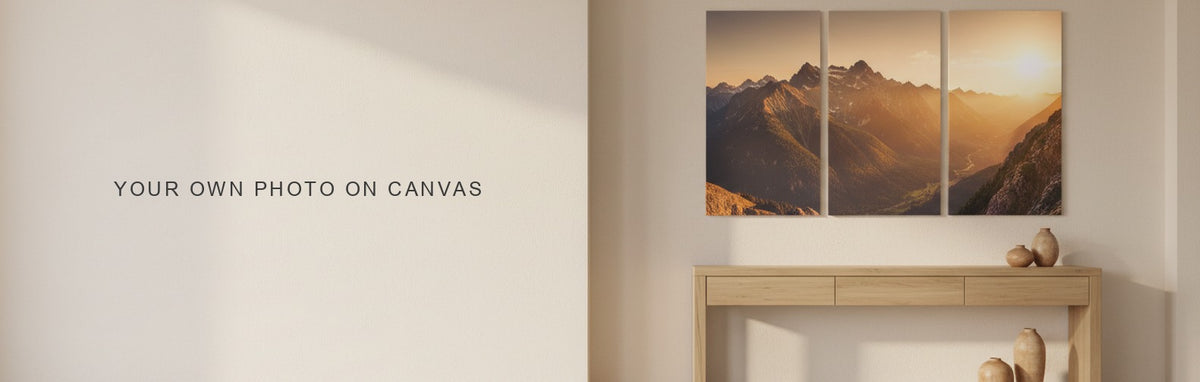
The Custom Canvas Studio prints your own photo instead of catalog artwork, across the same layouts as the regular range: single panel, horizontal splits, vertical splits, square grids and panoramic. Upload a photo, pick a layout and size, and the studio shows how your image maps across the panels before you order.
It is a separate product family from the catalog, one product per layout, so the choice of layout is made first by picking the right product rather than by a picker inside one page.

Ten layouts, each its own product
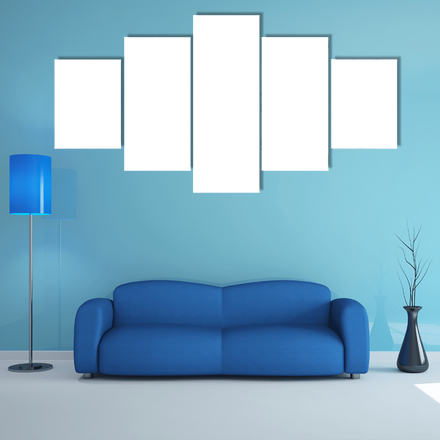
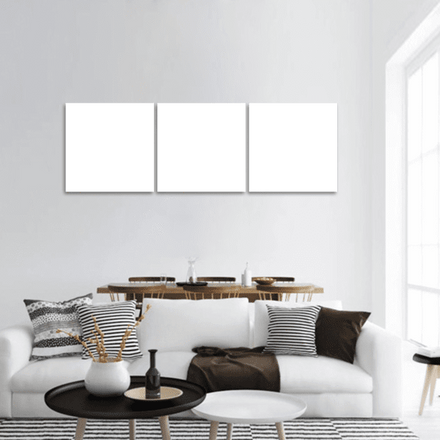
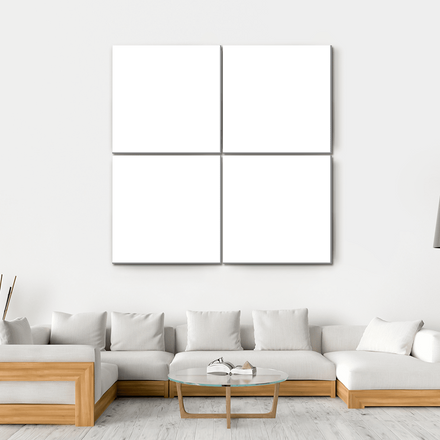
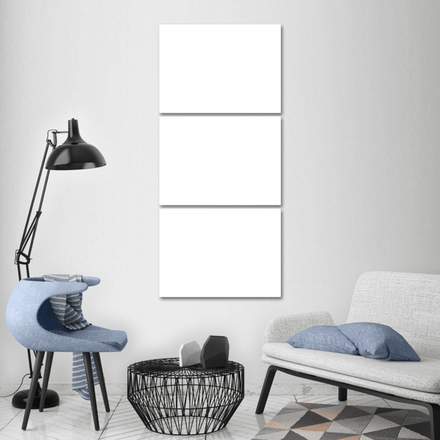
Custom 1 Panel is a single canvas, sized from 9x6 up to larger single sheet sizes. Custom 3 Panel comes in both horizontal and vertical versions. Custom 4 Panel comes in horizontal, split and square grid versions. Custom 5 Panel comes in Star and Pop arrangements, plus a horizontal version. Custom Panoramic 3 Panel covers the wide, low format.
Each is its own product page with its own size ladder, so start by deciding the shape you want, a single wide statement piece, a five panel spread, or a square grid, then open that specific product rather than looking for a layout switch inside one page.

Vertical and panoramic need a different photo than a square grid
A photo that reads well as one wide horizontal image often fails when cut into a tall vertical set, and a photo with a clear center subject rarely survives a square grid split evenly across four equal panels. Match the photo's own shape and composition to the layout before uploading, the same rule that governs which catalog artwork works across multiple panels.
A single subject with breathing room around it, a person, a building, a tree, works safely across almost any layout. A wide landscape with no single focal point works best in the panoramic and horizontal splits, where the seams fall on continuous scenery rather than through a subject.

The studio shows the crop before you commit
After uploading, the studio maps the photo across the selected layout's panels and shows the result, including where the panel gaps will fall across the image. This is the point to check that a face, a horizon line or another important detail does not land on a seam.
If the crop looks wrong, adjusting the photo's framing before upload, moving the subject away from where a panel edge would fall, is easier than trying to compensate after. The 5 piece canvas art guide explains which kinds of images survive a split across five panels, and the same logic applies to a custom upload on any multi panel layout.

Size the same way as any other piece
Custom pieces follow the same sizing rule as the catalog: about two thirds the width of the furniture below, centered 57 to 60 inches from the floor. The wall art size calculator works on custom product pages the same way it does on catalog pieces, drawing the selected size against real furniture before you order.
Because each custom product's size ladder is fixed to its own layout, check the ladder on the specific product rather than assuming it matches a catalog piece of the same name.

When a custom upload beats browsing the catalog
Choose custom for a photo that has to be that exact image, a family portrait, a pet, a home, a place with personal meaning. Choose the catalog when the goal is decor rather than a specific memory, since catalog artwork is shot and processed specifically for large format printing in a way a phone photo often is not. Custom Wall Art holds finished custom pieces for reference, and both routes print to order on canvas with archival inks and Free Shipping.
Quick answers
Common Questions
What is the Custom Canvas Studio?
A set of products that print your own uploaded photo instead of catalog artwork, across the same layouts the regular range offers: single panel, horizontal and vertical splits, square grids and panoramic. Each layout is its own product page with its own size ladder.
How many layouts does the Custom Canvas Studio offer?
Ten product variations across single panel, 3 panel horizontal and vertical, 4 panel horizontal, split and square, 5 panel Star, Pop and horizontal, and panoramic 3 panel. Start by picking the shape you want, then open that specific product to choose a size.
Can I see how my photo will look before ordering?
Yes. After uploading, the studio maps the photo across the selected layout's panels and shows the crop, including where the gaps between panels will fall, so you can check that no important detail lands on a seam before committing.
What kind of photo works best for a multi panel custom canvas?
A single centered subject with room around it, a person, building or tree, survives almost any layout. Wide landscapes with no single focal point suit panoramic and horizontal splits best, since the seams fall on continuous scenery rather than through the subject.
Does the Wall Fit tool work on custom canvas products?
Yes, the same way it does on catalog products. It draws the selected size against real furniture, sofa, bed, console or fireplace, so you can confirm proportion on a custom upload exactly as you would on any other piece before ordering.
Shop this guide
The collections in this guide
Every collection this guide mentions. Each one opens on artwork printed to order on museum-quality canvas.

Pieces shown above
The pieces in this guide
Every piece this guide shows, printed to order on museum-quality canvas.

Keep reading
Read next
Guides that pick up where this one stops.


